Image
Mon 30 June 2025
pip install opencv-python
Requirement already satisfied: opencv-python in c:\users\hp\miniconda3\envs\py312\lib\site-packages (4.11.0.86)
Requirement already satisfied: numpy>=1.21.2 in c:\users\hp\miniconda3\envs\py312\lib\site-packages (from opencv-python) (2.3.1)
Note: you may need to restart the kernel to use updated packages.
# 1. Import required libraries
import cv2
import numpy as np
from matplotlib import pyplot as plt
# 2. Read an image
image = cv2.imread('sample.png')  # Replace with an actual image path
image.shape
(469, 725, 3)
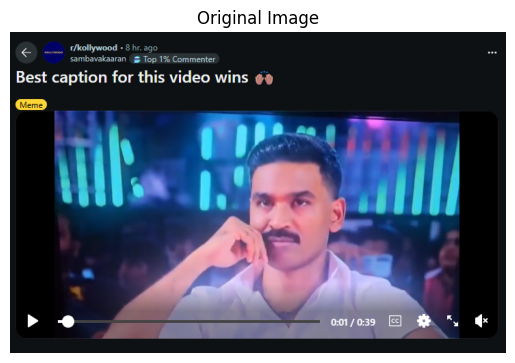
# 3. Show original image using matplotlib
plt.imshow(cv2.cvtColor(image, cv2.COLOR_BGR2RGB))
plt.title("Original Image")
plt.axis('off')
plt.show()
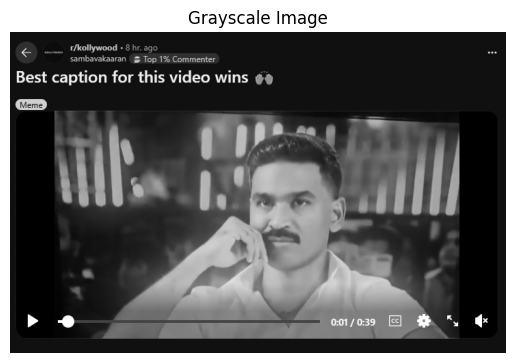
# 4. Convert to grayscale
gray = cv2.cvtColor(image, cv2.COLOR_BGR2GRAY)
plt.imshow(gray, cmap='gray')
plt.title("Grayscale Image")
plt.axis('off')
plt.show()
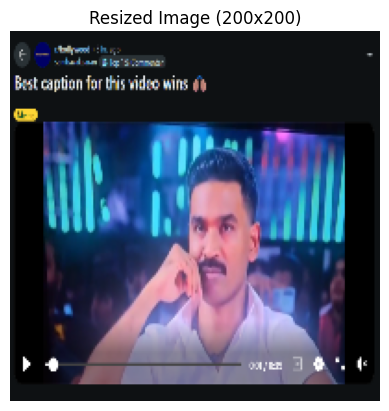
# 5. Resize image
resized = cv2.resize(image, (200, 200))
plt.imshow(cv2.cvtColor(resized, cv2.COLOR_BGR2RGB))
plt.title("Resized Image (200x200)")
plt.axis('off')
plt.show()
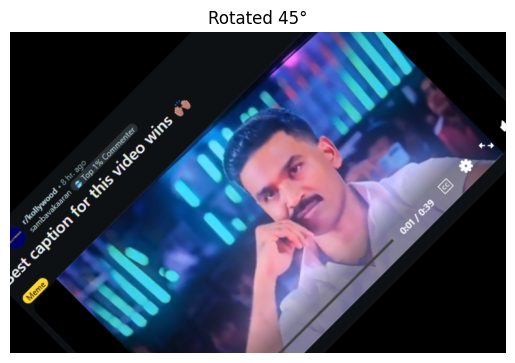
# 6. Rotate image
(h, w) = image.shape[:2]
M = cv2.getRotationMatrix2D((w//2, h//2), 45, 1.0)
rotated = cv2.warpAffine(image, M, (w, h))
plt.imshow(cv2.cvtColor(rotated, cv2.COLOR_BGR2RGB))
plt.title("Rotated 45°")
plt.axis('off')
plt.show()
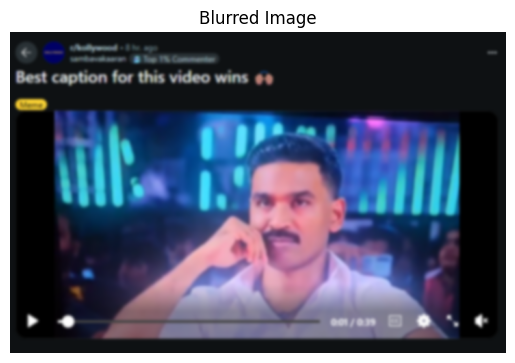
# 7. Apply Gaussian Blur
blurred = cv2.GaussianBlur(image, (11, 11), 0)
plt.imshow(cv2.cvtColor(blurred, cv2.COLOR_BGR2RGB))
plt.title("Blurred Image")
plt.axis('off')
plt.show()
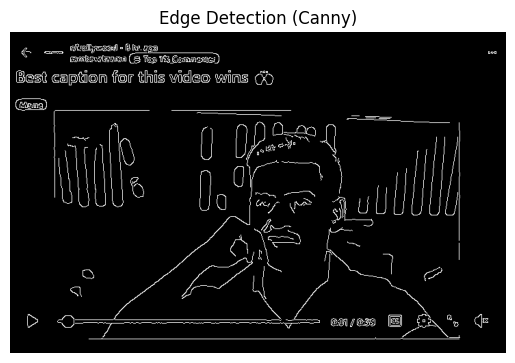
# 8. Apply Canny Edge Detection
edges = cv2.Canny(gray, 100, 200)
plt.imshow(edges, cmap='gray')
plt.title("Edge Detection (Canny)")
plt.axis('off')
plt.show()
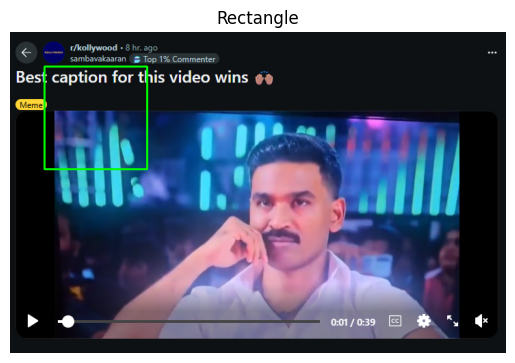
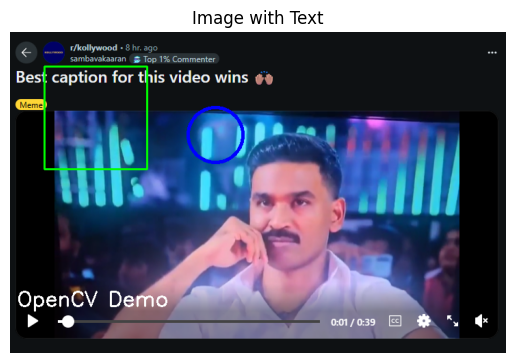
# 9. Draw a rectangle
img_copy = image.copy()
cv2.rectangle(img_copy, (50, 50), (200, 200), (0, 255, 0), 2)
plt.imshow(cv2.cvtColor(img_copy, cv2.COLOR_BGR2RGB))
plt.title("Rectangle")
plt.axis('off')
plt.show()
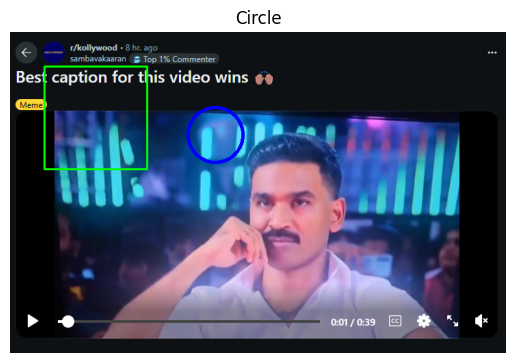
# 10. Draw a circle
cv2.circle(img_copy, (300, 150), 40, (255, 0, 0), 3)
plt.imshow(cv2.cvtColor(img_copy, cv2.COLOR_BGR2RGB))
plt.title("Circle")
plt.axis('off')
plt.show()
# 11. Add Text
cv2.putText(img_copy, 'OpenCV Demo', (10, 400), cv2.FONT_HERSHEY_SIMPLEX, 1, (255, 255, 255), 2)
plt.imshow(cv2.cvtColor(img_copy, cv2.COLOR_BGR2RGB))
plt.title("Image with Text")
plt.axis('off')
plt.show()
# 12. Save the processed image
cv2.imwrite("output.png", img_copy)
True
# 13. Load Haar cascade for face detection
face_cascade = cv2.CascadeClassifier(cv2.data.haarcascades + 'haarcascade_frontalface_default.xml')
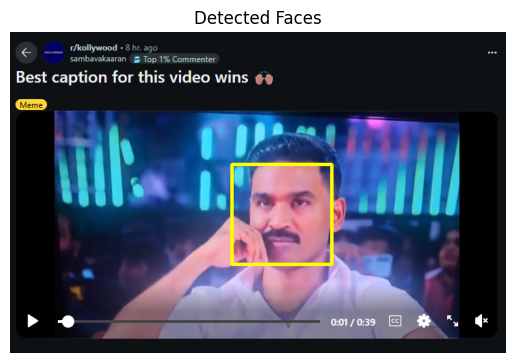
# 14. Detect faces in original image
faces = face_cascade.detectMultiScale(gray, 1.1, 4)
faces
array([[324, 193, 146, 146]], dtype=int32)
# 15. Draw bounding boxes on detected faces
img_faces = image.copy()
for (x, y, w, h) in faces:
    cv2.rectangle(img_faces, (x, y), (x + w, y + h), (0, 255, 255), 3)

plt.imshow(cv2.cvtColor(img_faces, cv2.COLOR_BGR2RGB))
plt.title("Detected Faces")
plt.axis('off')
plt.show()
# 16. Split image into B, G, R channels
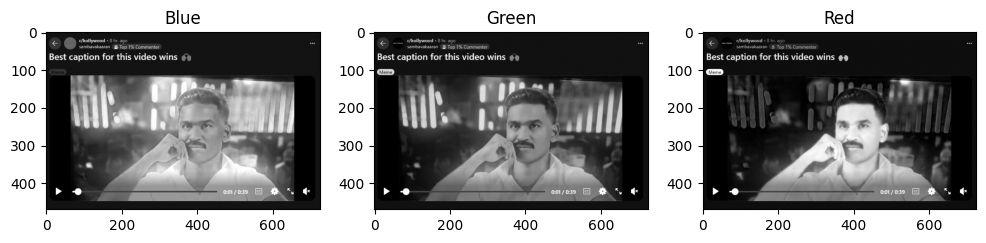
B, G, R = cv2.split(image)
plt.figure(figsize=(12, 4))
for i, channel in enumerate([B, G, R]):
    plt.subplot(1, 3, i+1)
    plt.imshow(channel, cmap='gray')
    plt.title(['Blue', 'Green', 'Red'][i])
plt.show()
# 17. Merge channels and show again
merged = cv2.merge([B, G, R])
plt.imshow(cv2.cvtColor(merged, cv2.COLOR_BGR2RGB))
plt.title("Merged Image")
plt.axis('off')
plt.show()

# 18. Final summary
print("✔ Image loaded, processed, features extracted, and saved.")
✔ Image loaded, processed, features extracted, and saved.
Score: 20
Category: basics